To ensure fast delivery, we process orders quickly. Changes to the shipping address, item variant, or quantity can only be made within 2 hours of placing the order. After this time line, we will move order to process.
There are 2 ways to update the order information:
1. Edit Order Directly in Confirmation Email:
After placing order, you will be received the confirmation email, where you can edit your order within 30 minutes.
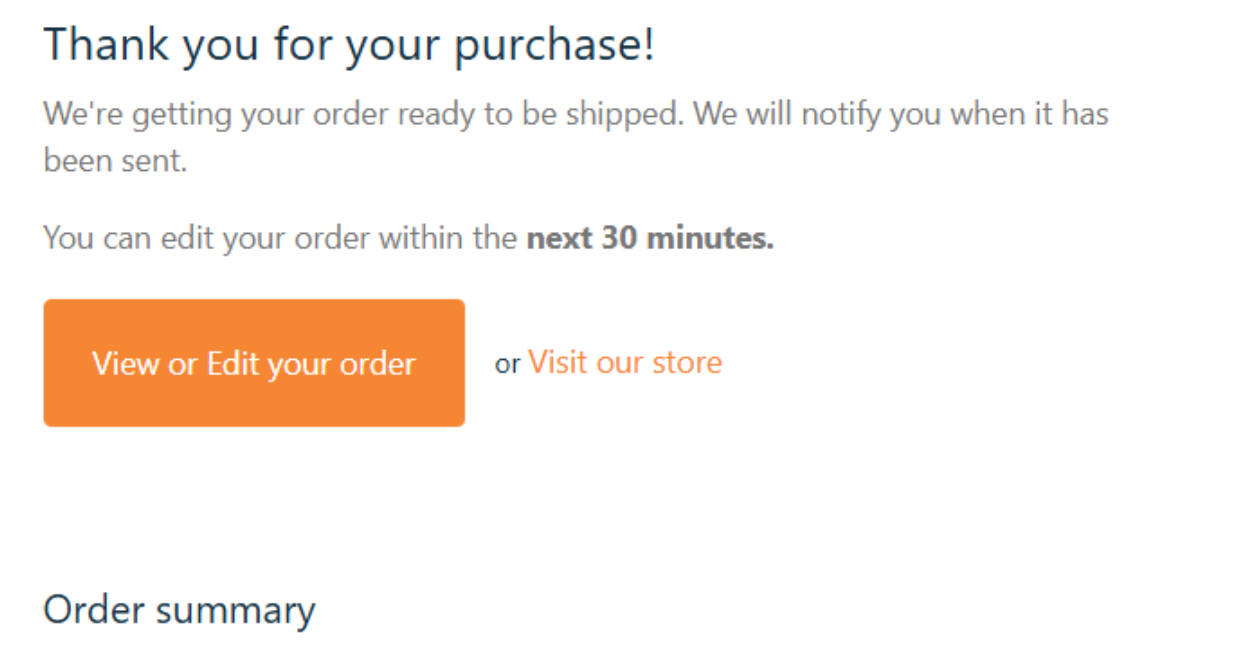
Please click the button 'View or Edit your order'
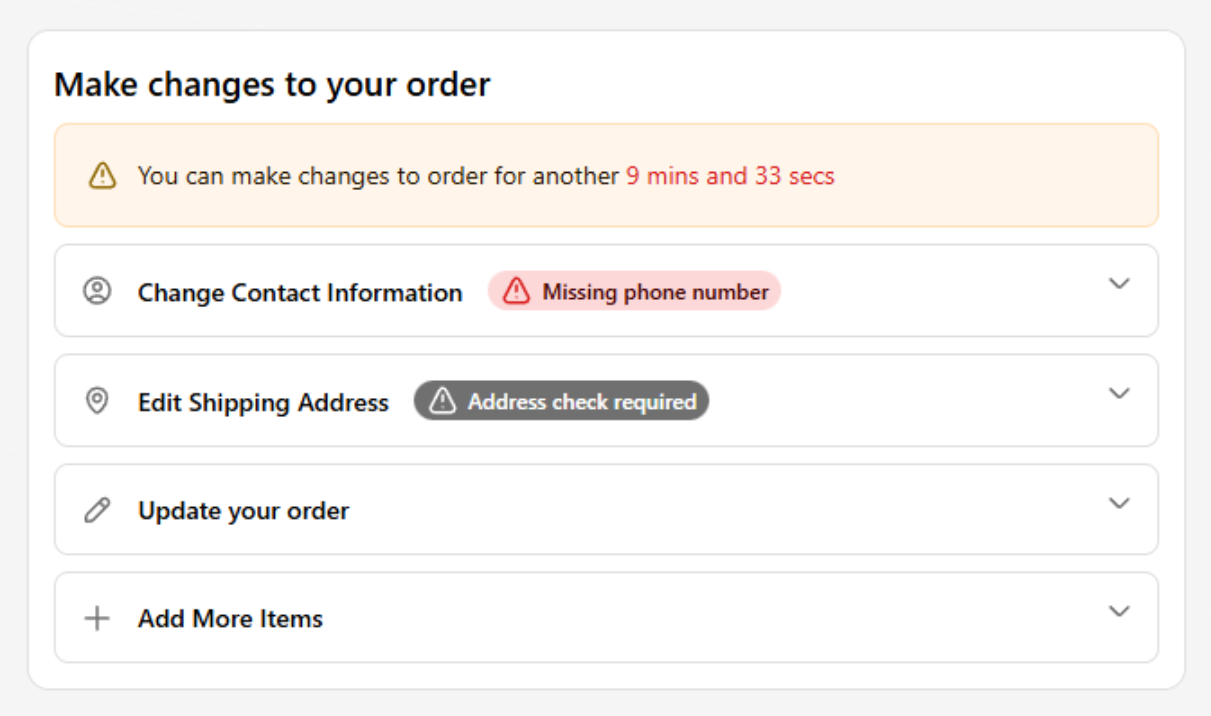
Within 30 minutes, you can:
+ Change Contact Information
+ Edit Shipping Address
+ Update your order (remove or increase quantity)
+ Add more items.
We always recommend to add phone number to have better chances of avoiding failure shipments.
The change you made in this email will updated immediately. New confirmation email will be sent after changing.
2. Submit Ticket:
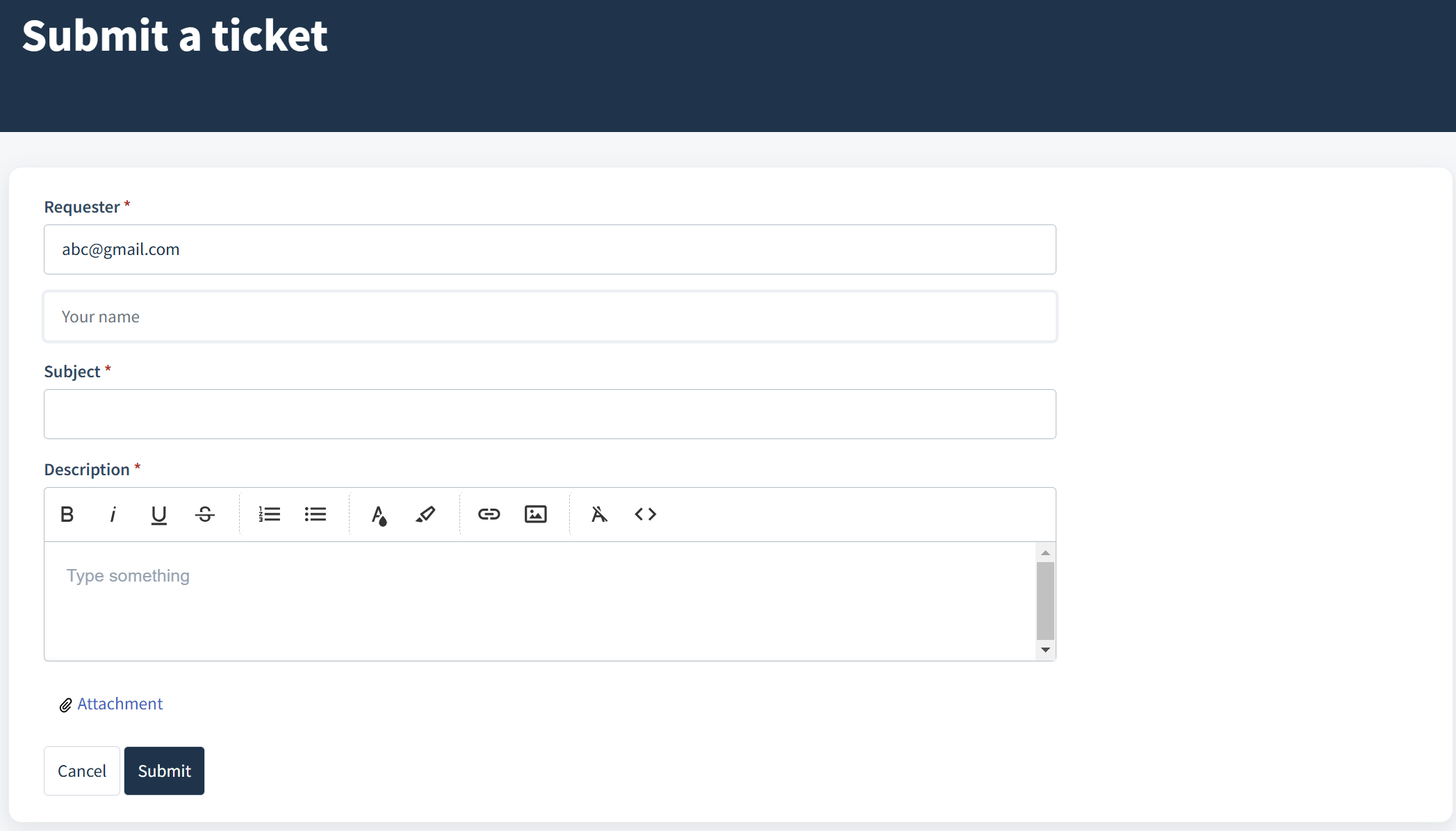
You can modify your order simply by sending your request via this ticket form:
=> gobeyondsupport.freshdesk.com/support/tickets/new.
Please provide your order number along with the full details of the adjustment you’re requesting. Our team will process your inquiry in 24-48 hours
During peak or holiday periods, modification requests may take longer than usual to process.
In some cases, additional fees may apply when updating the original order.
Was this article helpful?
That’s Great!
Thank you for your feedback
Sorry! We couldn't be helpful
Thank you for your feedback
Feedback sent
We appreciate your effort and will try to fix the article